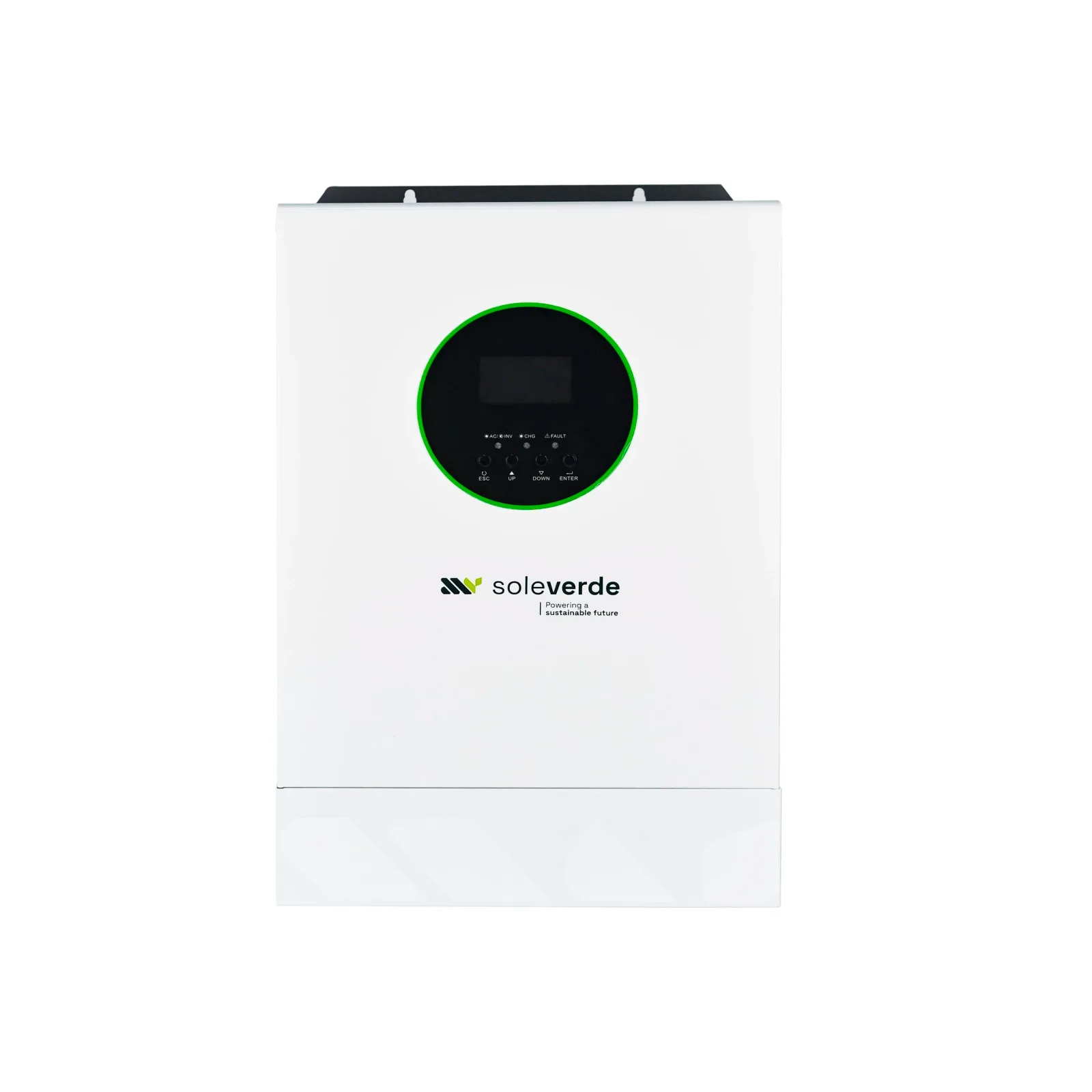
battery
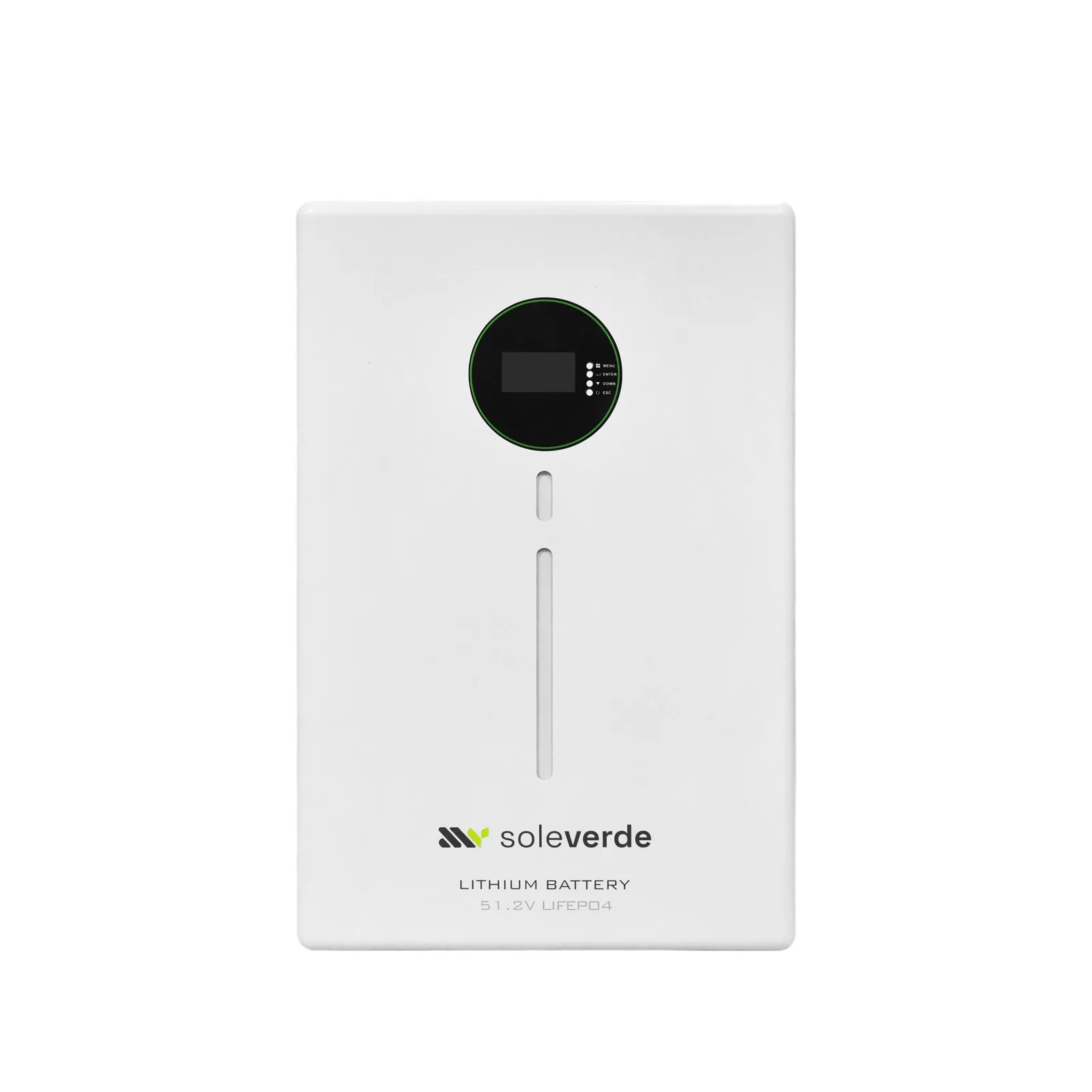
Lithium Battery 5KWH
5.12 kWh · 51.2V
The Sole Verde 5 kWh lithium module is built on Grade-A EVE LiFePO4 cells — the chemistry chosen for hot climates because it tolerates heat, cannot thermally run away like NMC, and delivers up to 6,000 cycles at ≥95% depth of discharge.
A smart BMS manages balancing and protection and communicates with the inverter over RS232, RS485 or CAN. Up to 15 modules parallel into one bank, so storage grows from 5 kWh to 76 kWh on the same 51.2 V bus without changing the architecture.
Pricing on request — reply usually within the hour, Dubai time.
Specifications
- Chemistry
- LiFePO4
- Rated voltage
- 51.2 VDC
- Available capacity
- 5120Wh (100Ah)
- Max continuous discharge
- 100 A
- Max output power
- 5,120 W
- Voltage range
- 43.2–58.4VDC
- Charge voltage
- 57.6V recommended · 58.4V max
- Recommended charge current
- 50 A
- Cycles
- ≥6000
- DOD
- ≥95%
- Parallel
- 1–15 modules
- Communication
- RS232 · RS485 · CAN
- Operating temperature
- Discharge −10 to +50°C · Charge 0 to +60°C
- Weight / size
- 54.5kg · 720 × 480 × 170 mm
- Warranty
- 60 months
Fitted right, first time
Professional installation
Site preparation
- Plan the lift and the final position first — each unit weighs 54.5 kg. Use two people or mechanical assistance and a floor or rack rated for the load.
- Install in a clean, dry, ventilated room away from direct sun and living areas; keep ambient below 40 °C for full cycle life.
- Provide a DC breaker or fuse between battery and inverter, sized to the battery's maximum continuous discharge current.
- Route a communication cable path to the inverter — closed-loop BMS communication is how the system protects the cells.
Safety first
- A battery bank cannot be switched off — terminals are always live. Insulate tools and remove metal jewellery when working on it.
- Never mix batteries of different age, capacity or chemistry in one bank.
- Do not open the module. Cell balancing and protection are managed by the internal BMS; opening the shell voids the warranty.
- Keep the bank away from ignition sources and ensure the room has free air exchange.
Commissioning checklist
- Confirm the inverter reads the correct bank voltage and (for lithium) state of charge over BMS comms.
- Run one full charge cycle and verify the charger tapers correctly at the end of absorption.
- Label the bank with install date and configuration for future service.
Installation sequence
- 1
Position and secure
Rack-mount or floor-stand the module on a level surface. Stackable cabinets must be bolted to each other and to the wall.
- 2
Configure the bank
Modules connect in parallel only — never in series. All modules in a bank must be the same model and firmware. Use identical cables of equal length for parallel groups so current shares evenly.
- 3
Connect to the inverter
With the DC breaker open, connect positive and negative through the breaker to the inverter battery terminals. Double-check polarity before closing anything.
- 4
Link BMS communication
Connect RS485/CAN from the master module to the inverter's BMS port and select the Sole Verde lithium protocol; in multi-module banks, daisy-chain the modules and set DIP addresses per the manual.
- 5
Verify before load
Measure bank voltage at the inverter terminals, confirm it matches the battery display or datasheet, then close the breaker and confirm state of charge reads correctly.
This guide is a professional summary, not a substitute for the installation manual. Sole Verde supports certified installers across the region — ask us to connect you with one in your market.
Fault codes & fixes
Troubleshooting the Lithium Battery 5KWH
What the display is telling you, and what to do about it. Most alarms clear in minutes without a technician.
Lithium battery (BMS)
61BMS communication exceptionShow fix
The inverter cannot talk to the lithium battery's management system.
- Check the BMS cable between inverter and battery.
- Confirm the battery is switched on.
- Refit the cable firmly at both ends.
- Set the inverter's battery type to LITHIUM.
66Temperature sensor exceptionShow fix
The battery is outside its safe temperature range, or the sensor failed.
- Above 50 °C: move it somewhere cooler and ventilated.
- Below −10 °C: warm the space before charging.
- If the temperature is normal, contact support.
69Battery does not allow chargingShow fix
The BMS is refusing charge — full, too hot, too cold, or cells out of balance.
- Check the battery LEDs.
- If it is not full and the temperature is normal, let it rest 30 minutes.
- Persistent refusal points to cell imbalance — contact support.
70Battery needs charging / discharge stoppedShow fix
The pack is critically low and has protected itself.
- Charge from AC or solar now.
- Never bypass BMS protection.
Still stuck? Send us a photo of the display on WhatsApp — reply GUIDE and the full fix guide comes back in your language.
Get help on WhatsAppEngineered together